 Talk a Lot
A teleprompter for Mac.
Your words.
More comfortably.
Keep your script close to the camera. Speak at your own pace.
Free forever · macOS 26+
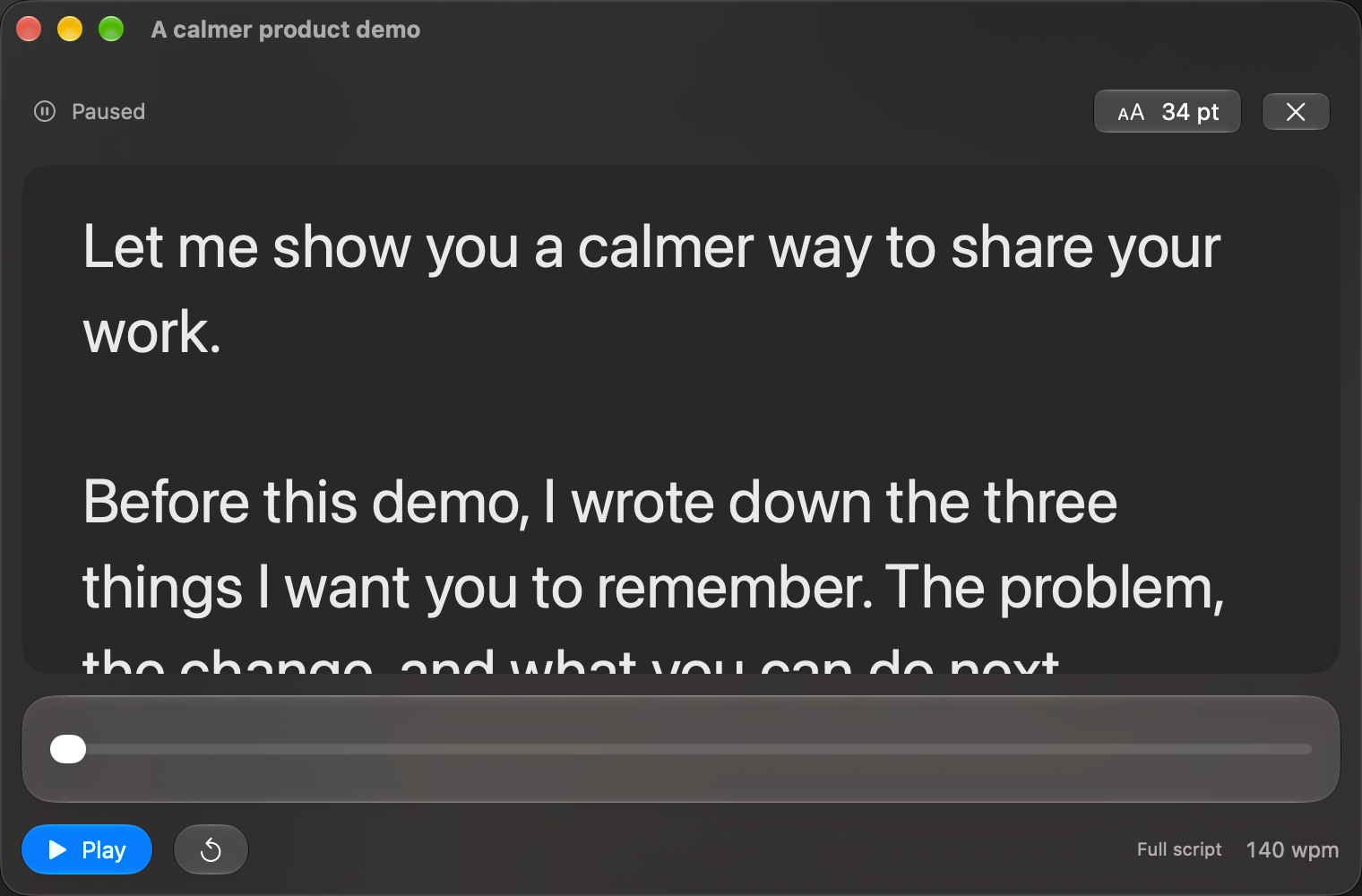
Start with what
you want to say.
Write your next demo, recording or presentation. Keep every script in one place.
Find your first rehearsal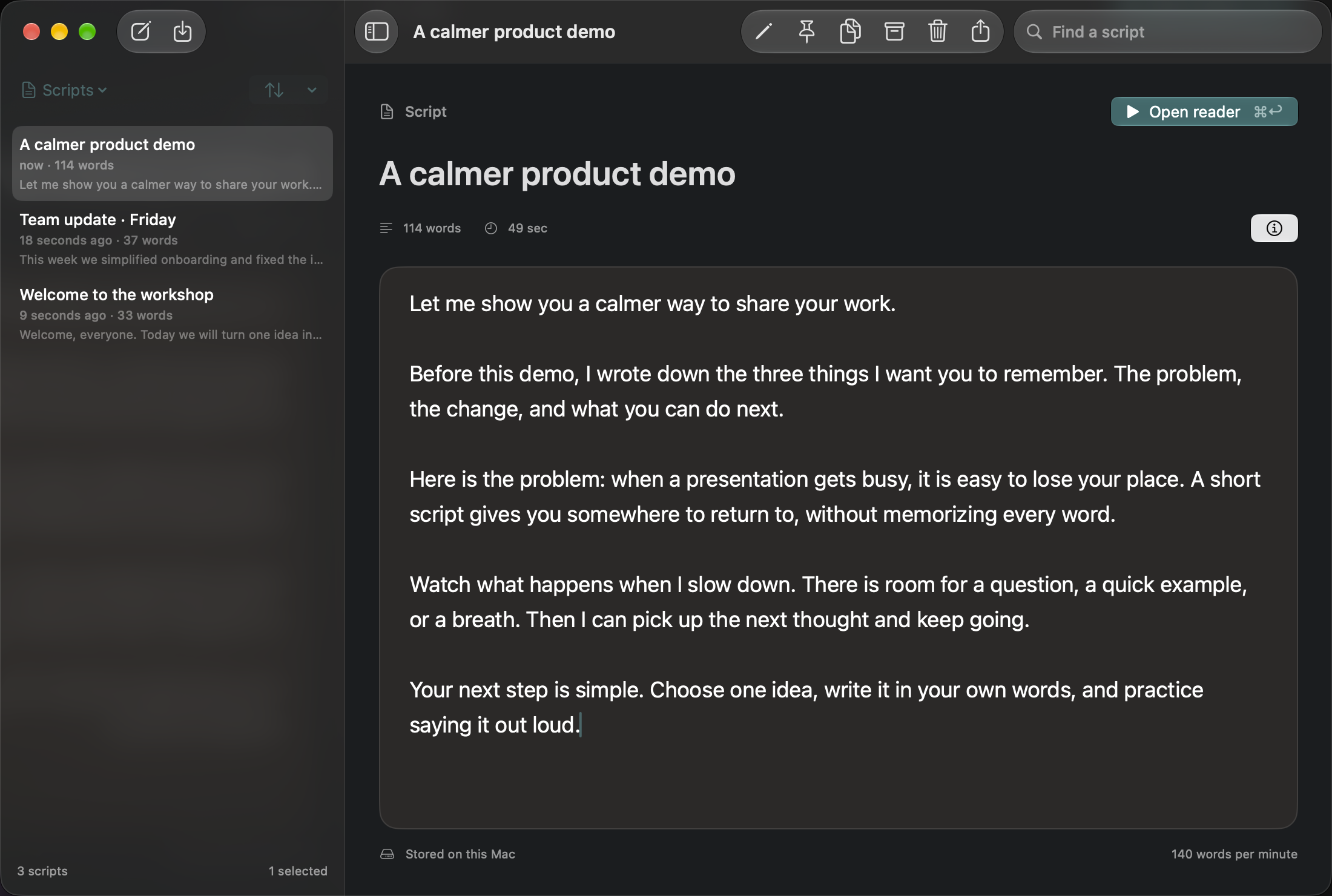
Find your rhythm.
Set your pace and text size. Pause whenever you need.
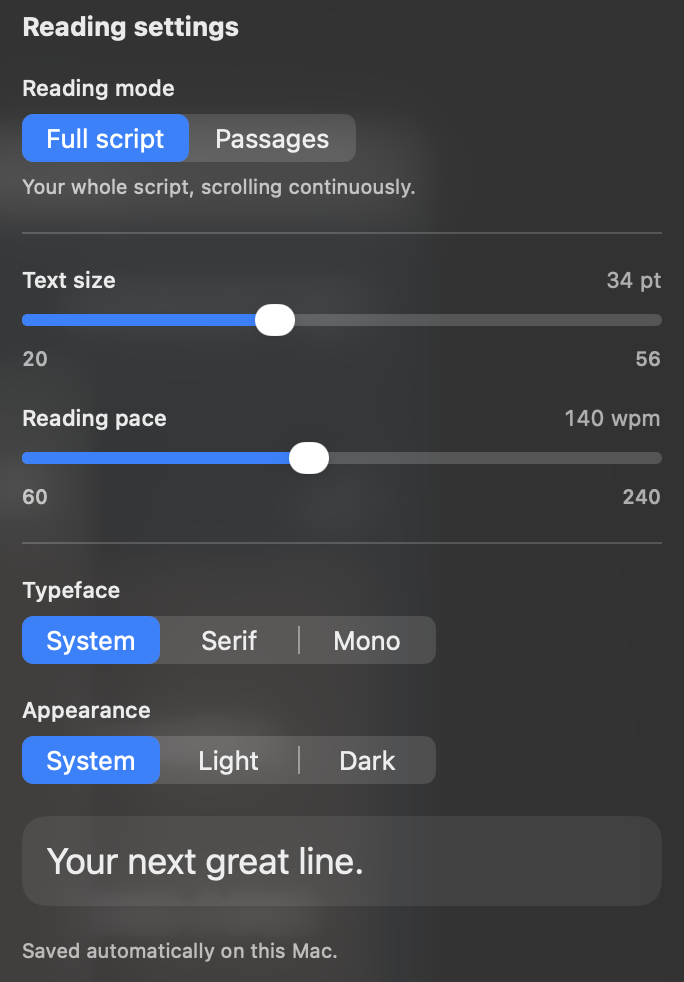
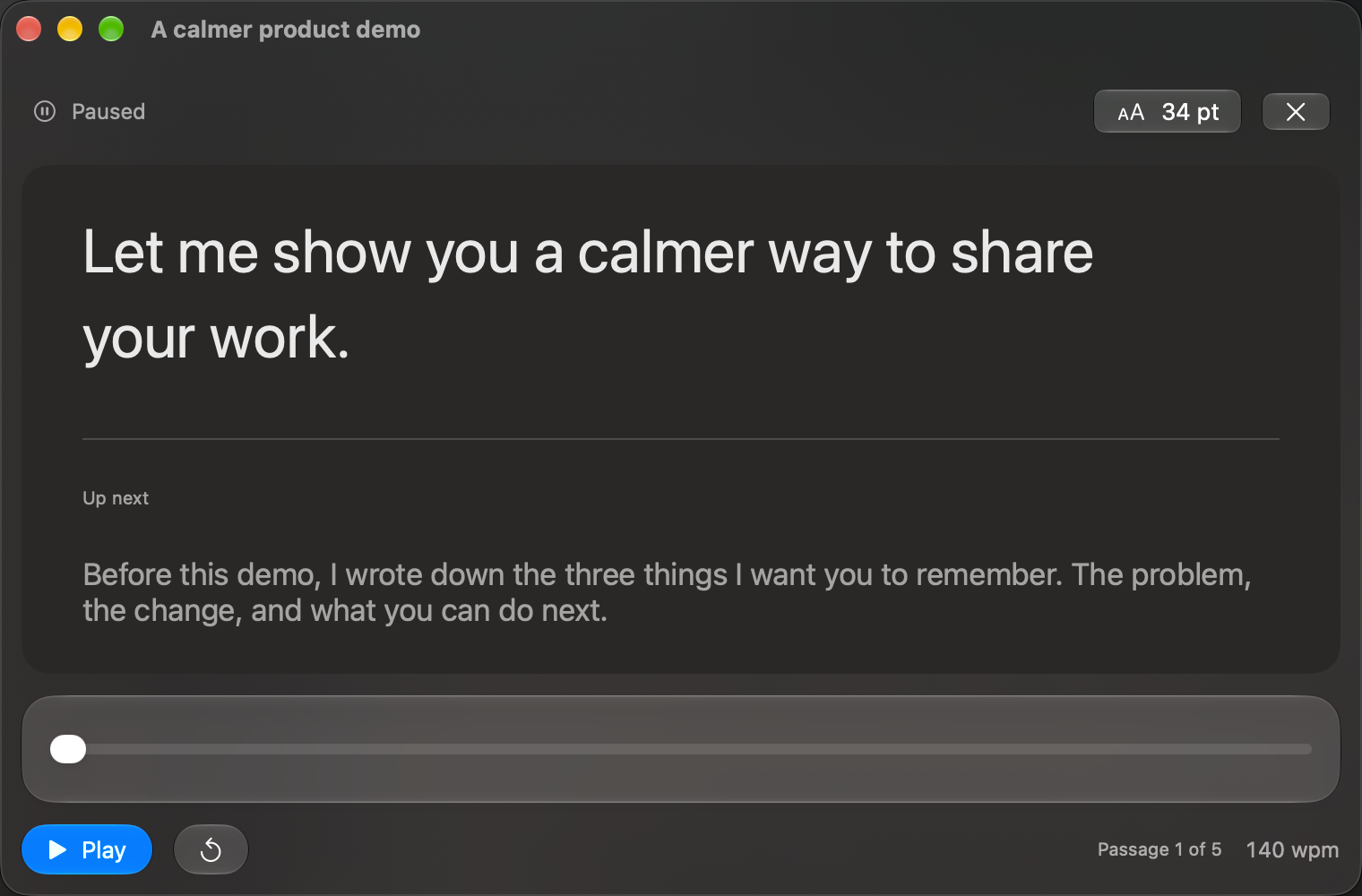
A whole script.
Or one thought at a time.
Scroll the whole script, or focus on one passage.
In development · MCP connections
Your app. Your agent.
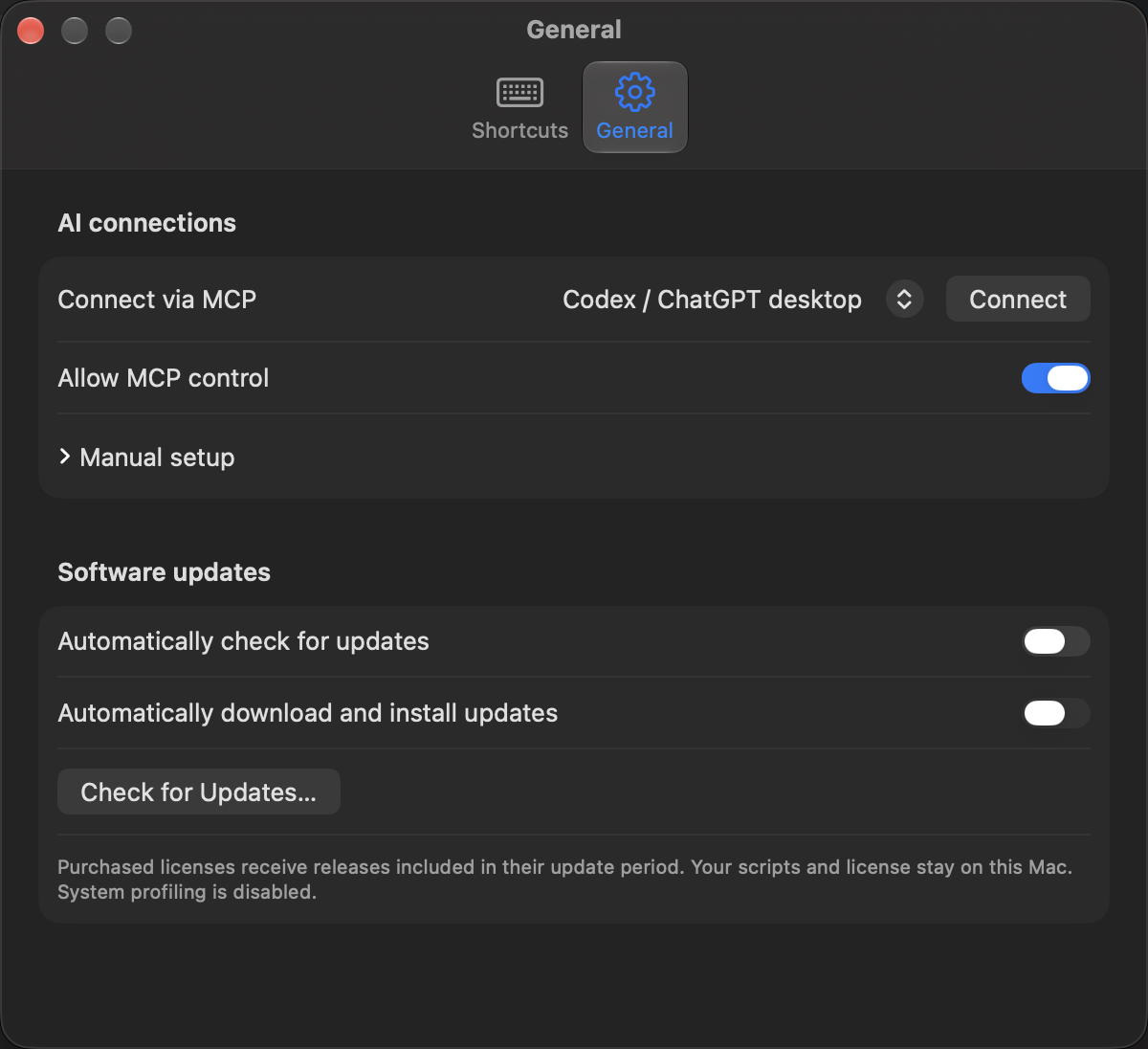
Prepare scripts and control your reader from your agent.
Pricing, at a glance
Short scripts free. Longer stories for $39.
Free forever for scripts up to 500 words, with unlimited saved scripts. Pro removes the word limit for $39 once.
Questions about Talk a Lot
What is Talk a Lot?
Talk a Lot is a native Mac teleprompter for rehearsing demos, recordings, and presentations. It has a local script library and a separate floating reader.
Can I control the reading speed?
Yes. Adjust the pace and text size, pause whenever you need, or drag the progress bar to another place. Choose full-script scrolling or paragraph-by-paragraph reading.
Does it follow my voice or hide from recordings?
Not in the current build. Voice-follow is an idea under evaluation. Do not assume the reader is excluded from screen recordings; check your recording setup.
Is it available, and what will it cost?
Download for macOS 26 or later. Read scripts up to 500 words free forever, with unlimited saved scripts. Start an optional 14-day Pro trial in the app for longer scripts; it never starts automatically. Pro costs $39 once for two personal Macs and two years of updates. After the trial, free reading remains available and every script stays editable and exportable. Eligible purchased versions remain usable afterward.